The rich-text editor for Angular. Free, all of it.
Tables, images, task lists, Markdown shortcuts, safe HTML in and out, light and dark themes — in one MIT-licensed package built on ProseMirror. No premium tier, no cloud key, no icon font, no CSS framework.
Angular 18.2 – 22 · reactive forms & ngModel · English, Turkish, German, French and Spanish built in
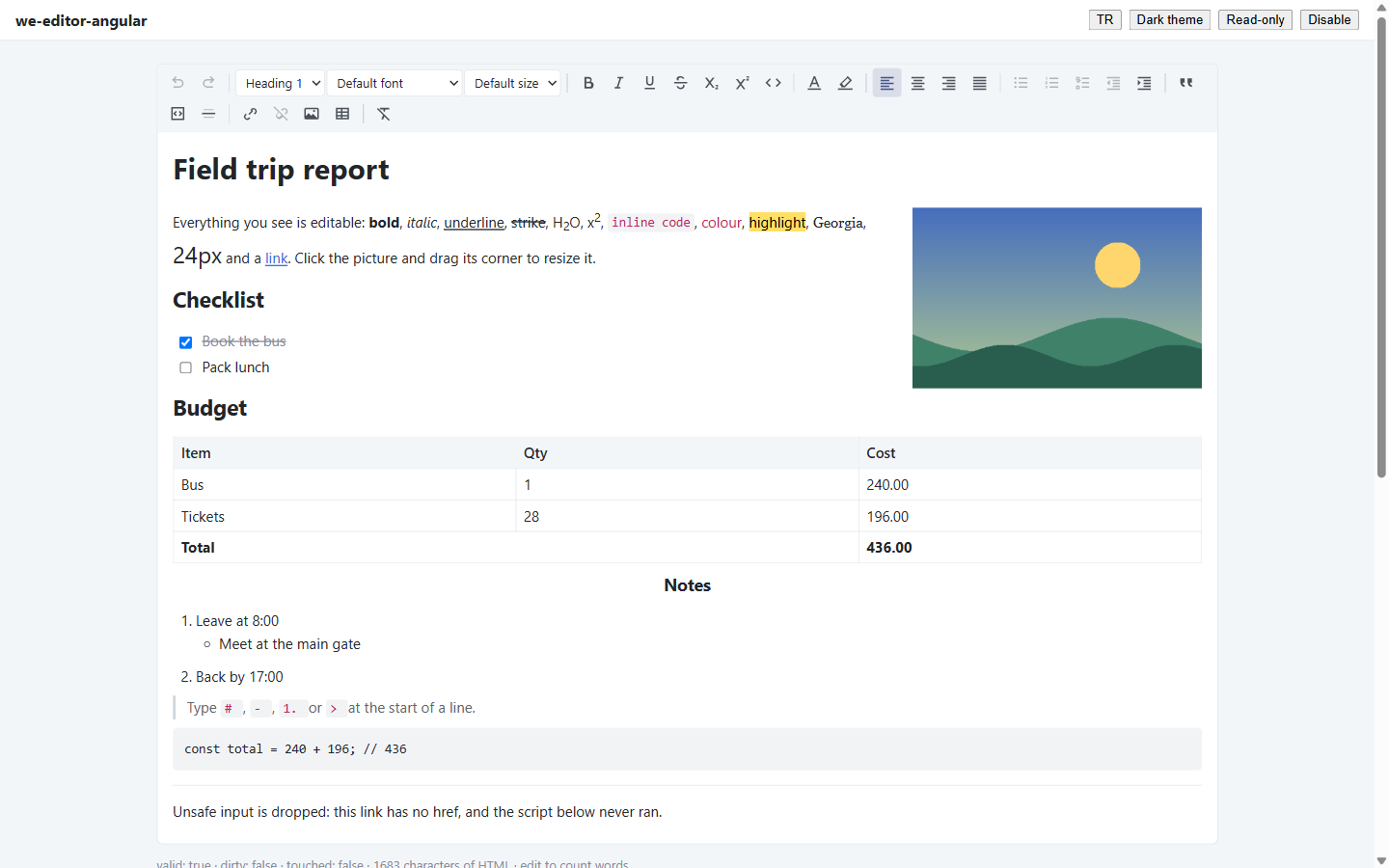
Everything a document needs
The features other editors sell as add-ons ship in the box.
Text formatting
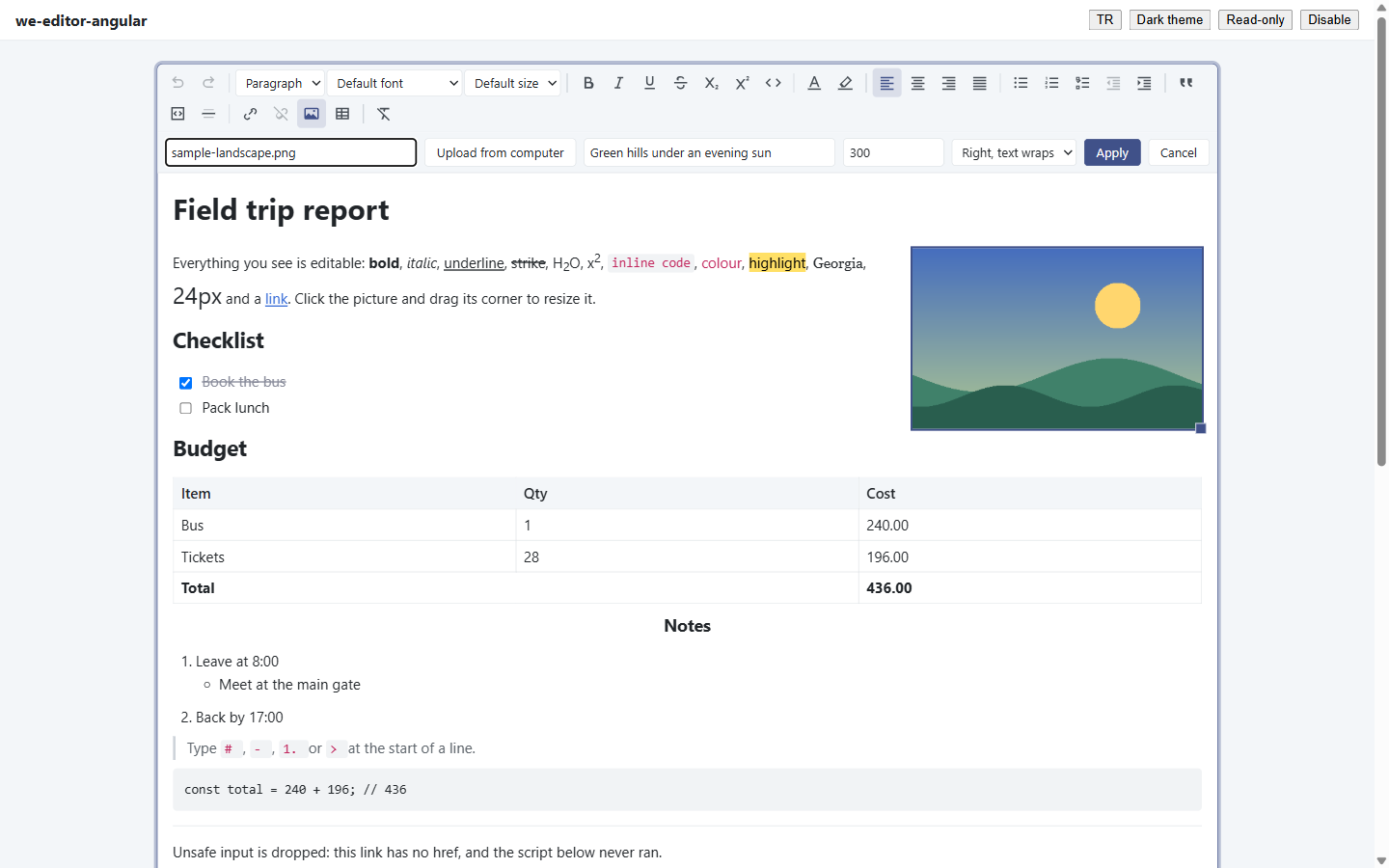
Bold, italic, underline, strike, sub/superscript, inline code, font family and size, text colour and highlight.
Structure
Headings H1–H6, quotes, code blocks, horizontal rules, alignment and indentation.
HTML source & split view
A real code editor (CodeMirror 6, loaded only when opened): edit the HTML, or see it side by side with the design — both stay in sync.
Code highlighting
Pick a language for a code block — 23 of them, coloured by theme variables and saved as class="language-…".
Lists
Bulleted, numbered and task lists with real checkboxes; nest with Tab and Shift+Tab.
Tables
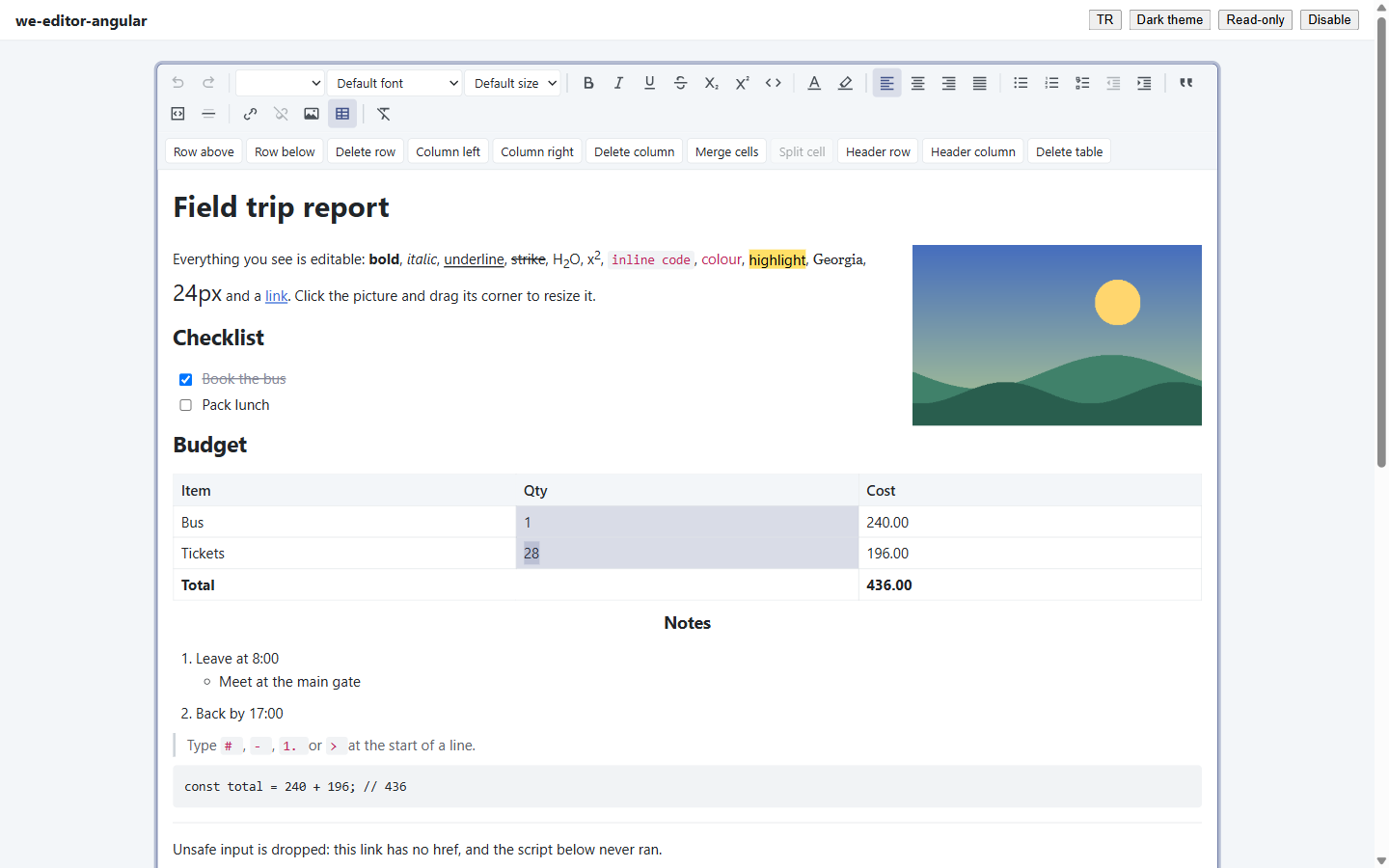
Insert any size, add and delete rows and columns, merge and split cells, header rows and columns, drag to resize columns, cell colours, vertical alignment and a caption.
Images
From a URL, an upload, paste or drag-and-drop. Resize with a handle, float left or right, centre, alt text, captions and links. Plug in your own upload endpoint.
Markdown shortcuts
Type #, -, 1., > or ``` at the start of a line; Backspace undoes it.
Safe HTML
The schema is the allowlist: scripts, event handlers, javascript: links and SVG images never get through. Use the sanitizer on its own, too.
Angular forms
A ControlValueAccessor: formControlName, [formControl], ngModel, disabled, touched and required behave like a native input.
Theming
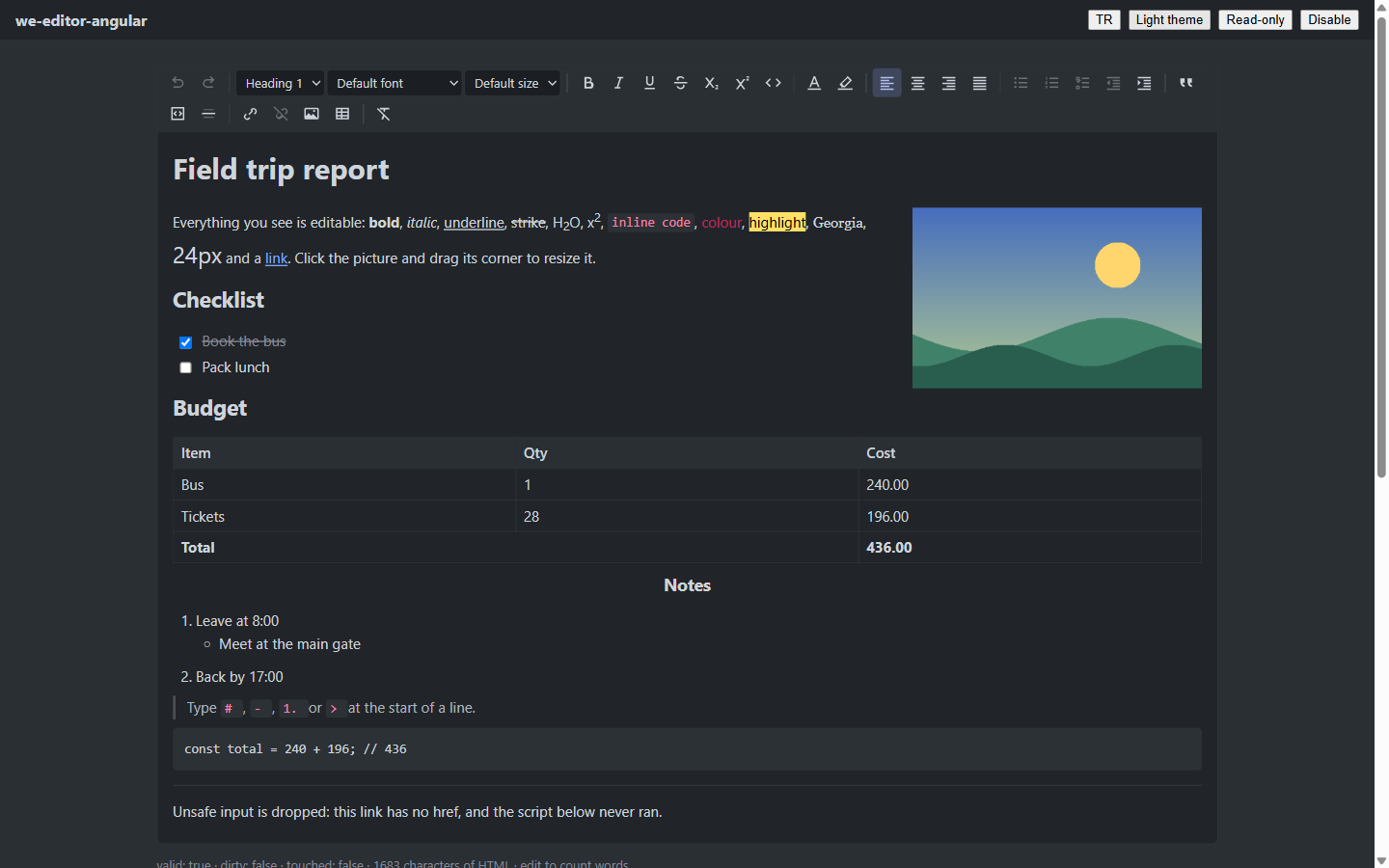
Every colour is a CSS variable; light and dark themes follow the system or your data-theme. Icons are inline SVG you can replace.
Localization
Every label is a locale key. English, Turkish, German, French and Spanish are included; pass your own object for any other language.
Placeholder & counts
Placeholder text for empty documents, word and character counts as an output.
Find & replace
Ctrl+F opens a find bar with match count, match case, whole words, replace and replace all.
Video
Paste a YouTube or Vimeo link to embed the player; other iframes are never let in.
Autolink
Typed and pasted URLs turn into links; paste a URL over selected text to link it.
Paste from Word & Google Docs
Word bullet and numbered lists arrive as real nested lists; Office fonts, sizes and spacing noise are stripped, bold, italic and colours stay.
Status bar & autosave
Element path you can click (table › tr › td › p), word and character counts, full screen, and an autosave hook that never drops the last edit.
Format painter & case
Copy formatting to other text, change case (language-aware: Turkish İ/ı), set line height — premium-only in CKEditor 5 and TinyMCE, free here.
Colours & characters
Palette with custom colour, remove colour and recent colours; a symbol and emoji picker. Both lists are yours to change.
Track changes
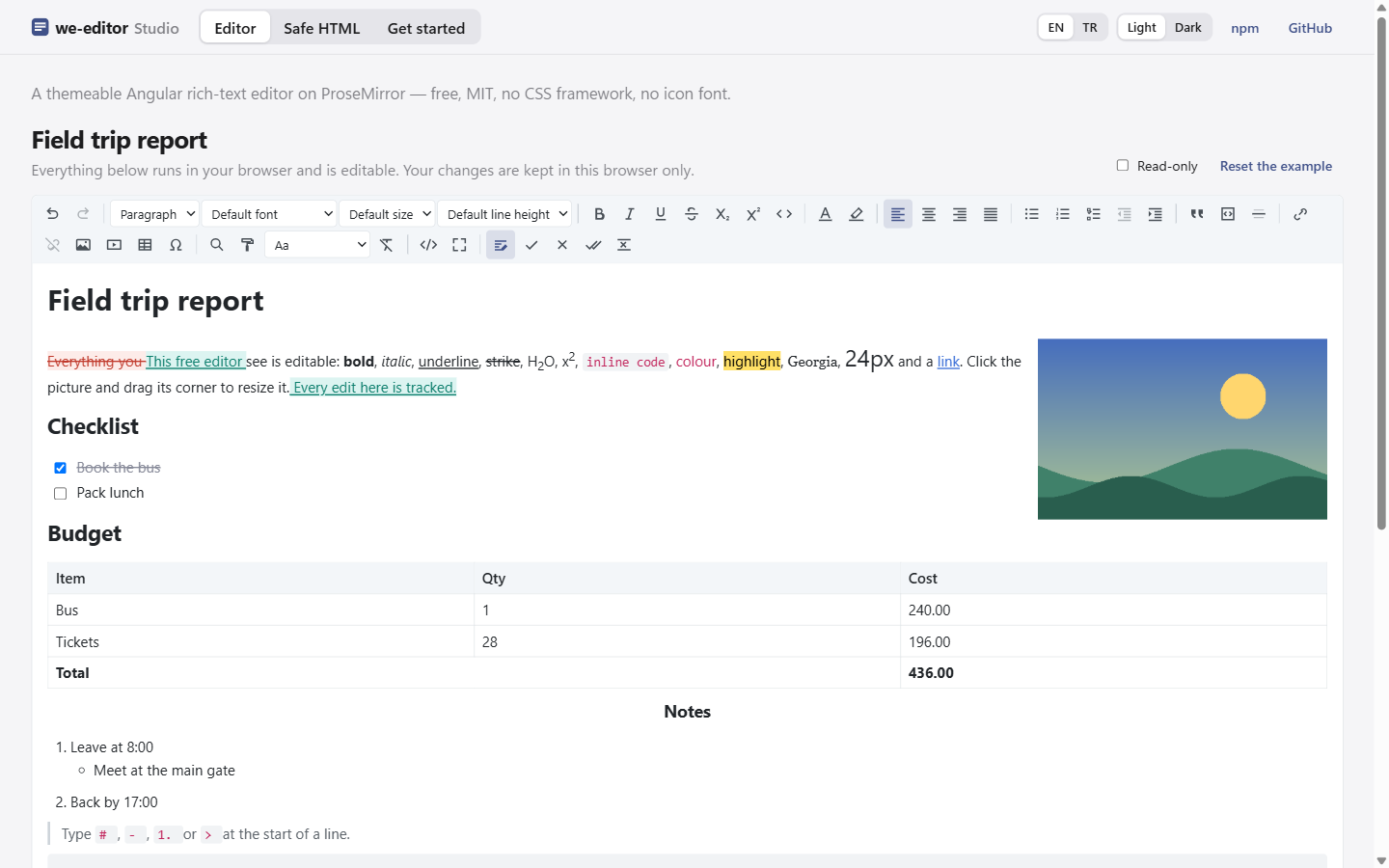
Turn it on and every edit becomes a suggestion — insertions underlined, deletions struck through — to accept or reject one by one or all at once. Kept in the HTML, so a half-reviewed document saves and loads. Paid in CKEditor 5, TinyMCE and TipTap; free here.
Comments
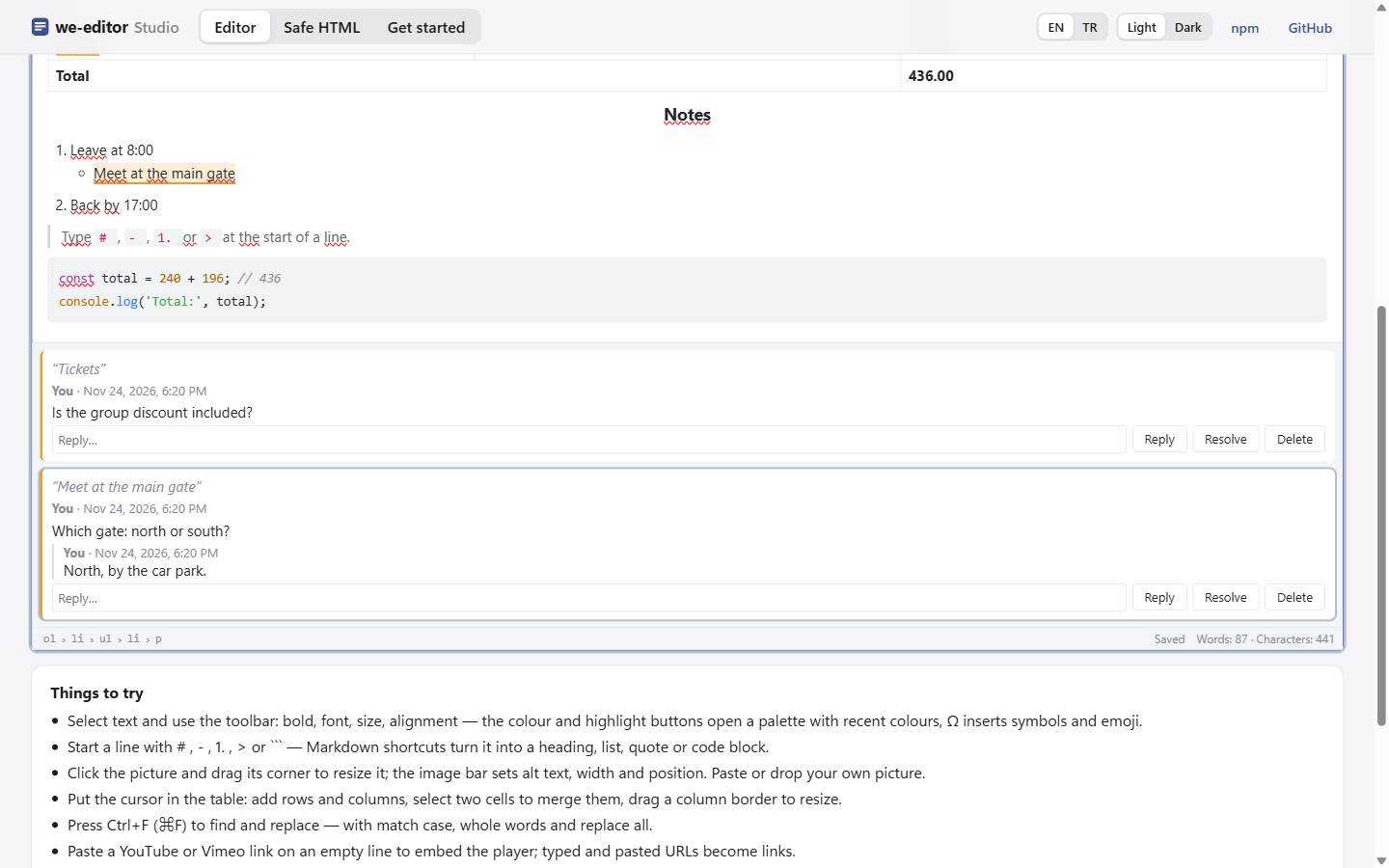
Comment on any text, reply, resolve and reopen in a panel under the document. The HTML keeps only an id; the threads are your data, through an input and an output. Paid add-ons in CKEditor 5, TinyMCE and TipTap.
Undo & keyboard
Full history, familiar shortcuts (Ctrl+B, Ctrl+Z…), Tab through table cells.
See it
How it compares
Free core versions, November 2026. “paid” means the feature exists only in a premium plan. The full matrix, with sources, is in COMPETITORS.md.
| Feature | we-editor | CKEditor 5 | TinyMCE | TipTap | Quill |
|---|---|---|---|---|---|
| Licence | MIT | GPL / commercial | GPL / commercial | MIT core | BSD |
| Official Angular component | yes | yes | yes | — | — |
| Tables with merge, split, resize | yes | yes | yes | yes | — |
| Images: upload, paste, resize, wrap | yes | yes | yes | partial | partial |
| Task lists | yes | yes | paid | yes | — |
| Markdown shortcuts | yes | yes | yes | yes | — |
| Track changes (suggestions) | yes | paid | paid | paid | — |
| Comments and replies | yes | paid | paid | paid | — |
| Built-in Turkish locale | yes | yes | yes | — | — |
Coming next, free as well: device-width preview, line height and styles, and — beyond what the others offer — formula tables, e-mail-safe output and mail-merge variables.
Get started
Free and MIT licensed — install it from npm.
- Install:
npm install we-editor-angular
- Add the theme to your global styles (
angular.json→styles):"node_modules/we-editor-angular/styles/we-editor-theme.scss"
- Use it like any form control:
import { WeEditorComponent } from 'we-editor-angular';

@Component({
  standalone: true,
  imports: [WeEditorComponent, ReactiveFormsModule],
  template: `<we-editor [formControl]="body" placeholder="Write something…" />`
})
export class PostFormComponent {
  body = new FormControl('<p>Hello</p>', { nonNullable: true });
}
Reference: API · Theming · Localization · Roadmap